The Free customer space brings together the management of Freebox and Free Mobile subscriptions, invoice consultation, and home network settings. Since September 2026, the Free mobile app centralizes these two areas into a single interface, changing the connection habits for some subscribers. What access should you prioritize based on your situation, and what functions truly distinguish the web portal from the app?
Unified Free App: What Changes for Account Login
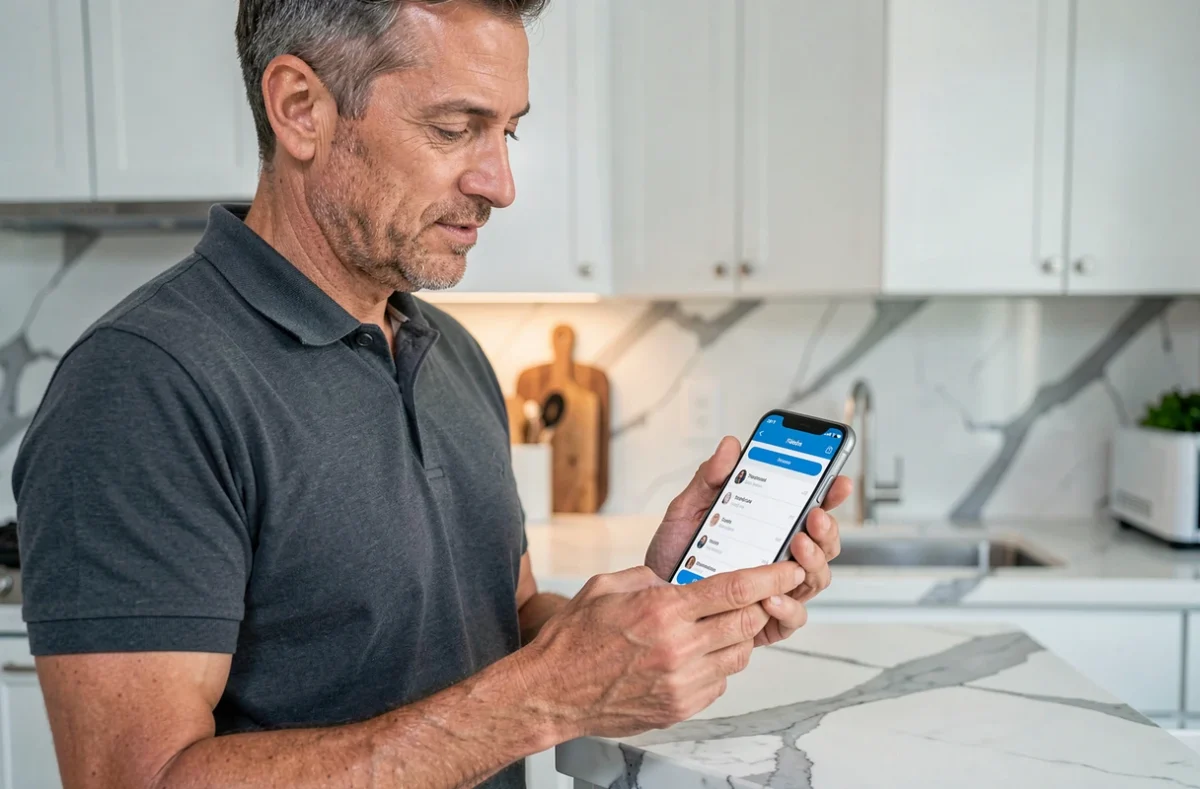
Competitors handle Freebox login and Free Mobile login separately. This distinction is becoming less relevant. The Google Play listing, updated on September 8, 2026, confirms that the Free app now consolidates consumption tracking, offer management, support, and Free Family benefits.
The app also includes functions that were once reserved for Freebox Connect: sharing Wi-Fi via QR code, viewing connected devices, scheduling Wi-Fi outages, parental controls, and network self-diagnosis. The customer account is no longer just for viewing invoices; it becomes a tool for managing the home network.
For subscribers managing multiple lines or Freeboxes, the release notes from September 8, 2026, mention a specific improvement in accessing secondary lines. A subscriber can access the Free customer space from the app and switch between their different subscriptions without logging out.
Freebox Web Portal and Mobile Space: Comparative Access Table
The two connection modes do not provide access to the same functions. Here’s what each channel offers concretely.
| Functionality | Web Portal (subscribe.free.fr / mobile.free.fr) | Free App (iOS/Android) |
|---|---|---|
| Invoice Consultation | Yes | Yes |
| Mobile Plan Management | Yes (mobile.free.fr) | Yes |
| Freebox Subscription Management | Yes (subscribe.free.fr) | Yes |
| Wi-Fi Sharing via QR Code | No | Yes |
| Parental Control and Wi-Fi Outages | No | Yes |
| Network Self-Diagnosis | No | Yes |
| Viewing Connected Devices | No | Yes |
| Simplified Multi-Line Access | Limited | Yes (update Sept. 2026) |
| Electronic Billing Ownership Management | Yes (dashboard banner) | Yes |
The app covers all the functions of the web portal, plus network tools. However, the web portal remains relevant for subscribers who prefer a larger screen or who manage their @free.fr email account directly from the browser.
Freebox Identifier and Mobile Identifier: Two Distinct Login Systems
A common point of friction is the confusion between the two sets of identifiers. The portal subscribe.free.fr requires the Freebox identifier (a number assigned to the subscription) and its associated password. The portal mobile.free.fr uses the mobile identifier, which is distinct from the first.
Choosing the wrong portal is the primary cause of login failure. Free support explicitly states: check that you are on the correct page (mobile or Freebox) before entering your identifiers. The mobile app unifies these accesses, eliminating this source of error.
If you forget your password, the procedure goes through the “Forgot Password” link present on each login page. A reset link is sent via email or SMS. For a forgotten mobile identifier, a dedicated page exists on mobile.free.fr.
- Freebox Identifier: number assigned to the subscription, used on subscribe.free.fr and for managing the @free.fr email account
- Mobile Identifier: line number or chosen identifier, used on mobile.free.fr
- Free App: accepts both types of identifiers and allows switching between accounts
Electronic Billing from the Free Subscriber Space
Since September 1, 2026, a new procedure is available directly in the subscriber space. Free allows subscribers to manage the ownership necessary for electronic billing. This procedure is accessible either via a banner displayed on the dashboard or in the personal information and subscription sections.
This development has a concrete impact for subscribers who use their Free plan for professional purposes. Managing ownership determines the validity of invoices in accounting. Updating this information prevents invoice rejection during an audit.
Verify Ownership in a Few Steps
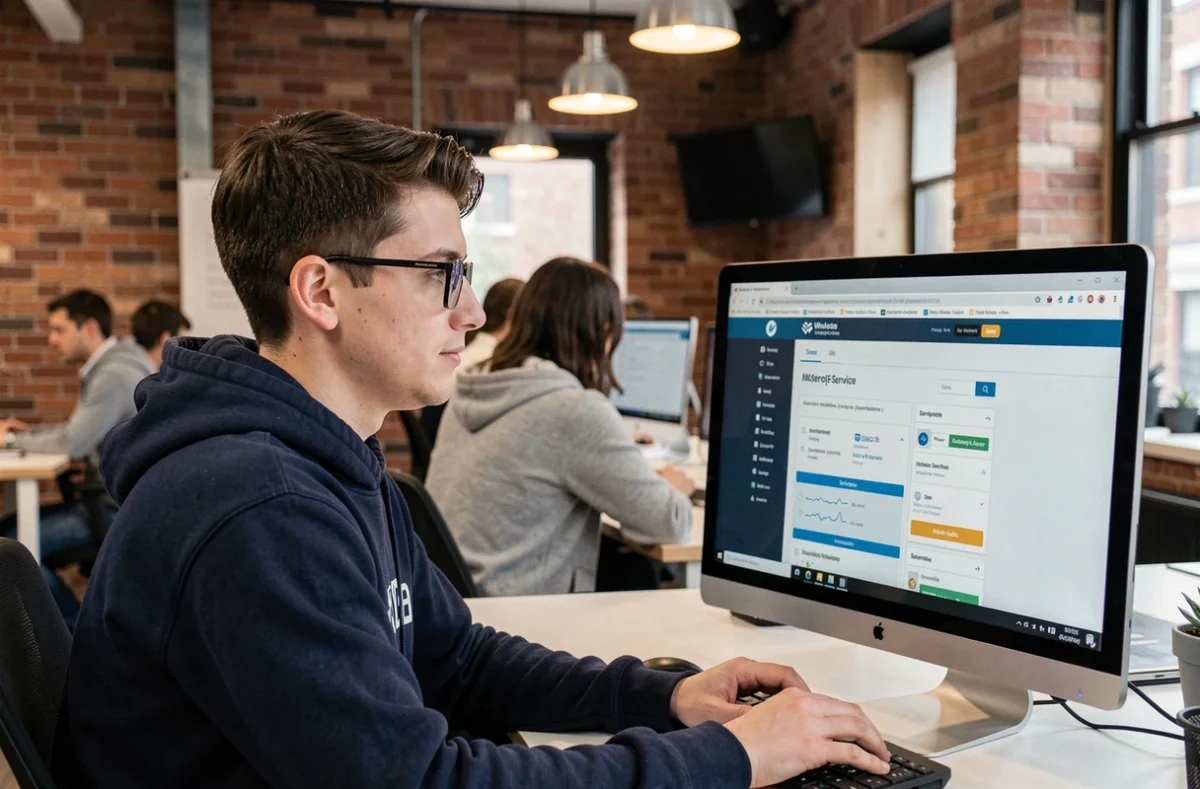
From the dashboard of the subscriber space, the dedicated banner appears if ownership is not filled in. Simply click on it to access the form. The alternative is to go through the “Personal Information” section and then “Subscription.”
The process takes a few minutes. It does not require immediate proof, but the information entered must correspond to the actual line holder.
Logging into the Free Customer Space: Errors That Block Access
Beyond the confusion between portals, other situations prevent login. Free support recommends refreshing the page, clearing the browsing history, or testing from another browser. These actions resolve most cache-related blocks.
- Corrupted history or cookies: clear the browser cache or test in private browsing
- Expired or changed password: always use the reset link rather than multiplying attempts
- Logging in from a restricted network (company, public Wi-Fi): some firewalls block Free login pages, switching to mobile data resolves the issue
The integrated network self-diagnosis in the app also allows checking if the problem comes from the connection itself rather than the account. This function, inherited from Freebox Connect, tests the link between the box and Free servers.
The Free customer space has evolved from a simple consultation portal to a comprehensive management tool for networks and subscriptions. The unification in the mobile app, effective since September 2026, reduces connection friction for multi-line subscribers. The web portal retains its usefulness for email management and large screen display, but the app now concentrates all functionalities, including those that did not exist on the web.